Several reports are predefined. The idea behind them is to give an auditor access to the granted access rights, users and their rights, and the log — without giving them any permission to administer SVN Access Manager itself.
Repository access rights
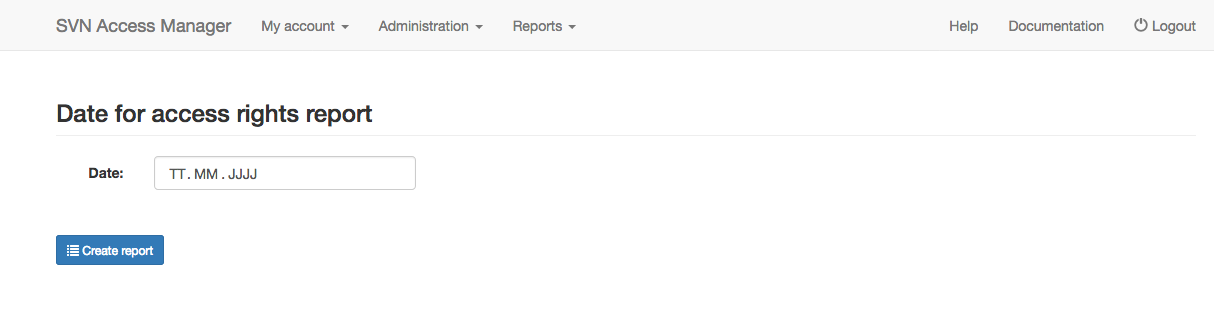
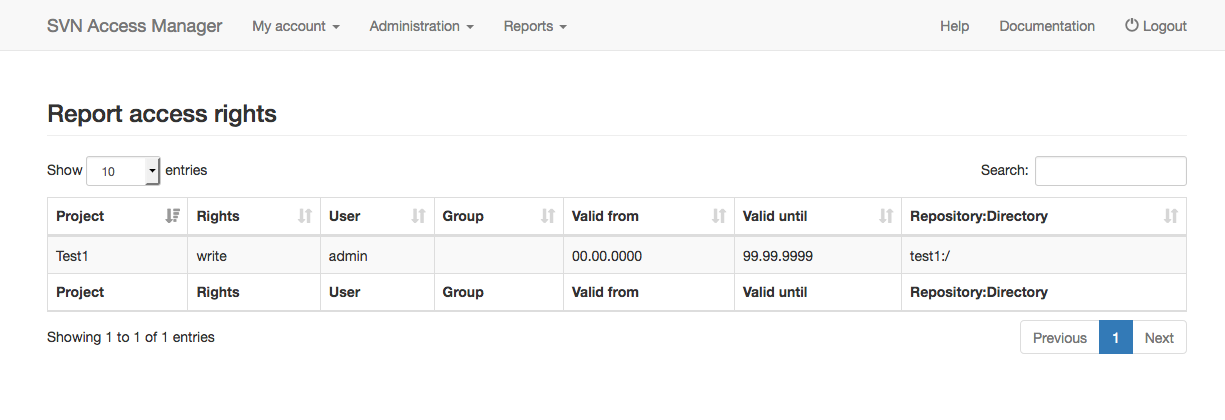
Specify the date you want to see access rights for. After submitting, you get a list of every access right valid on that date.
Log
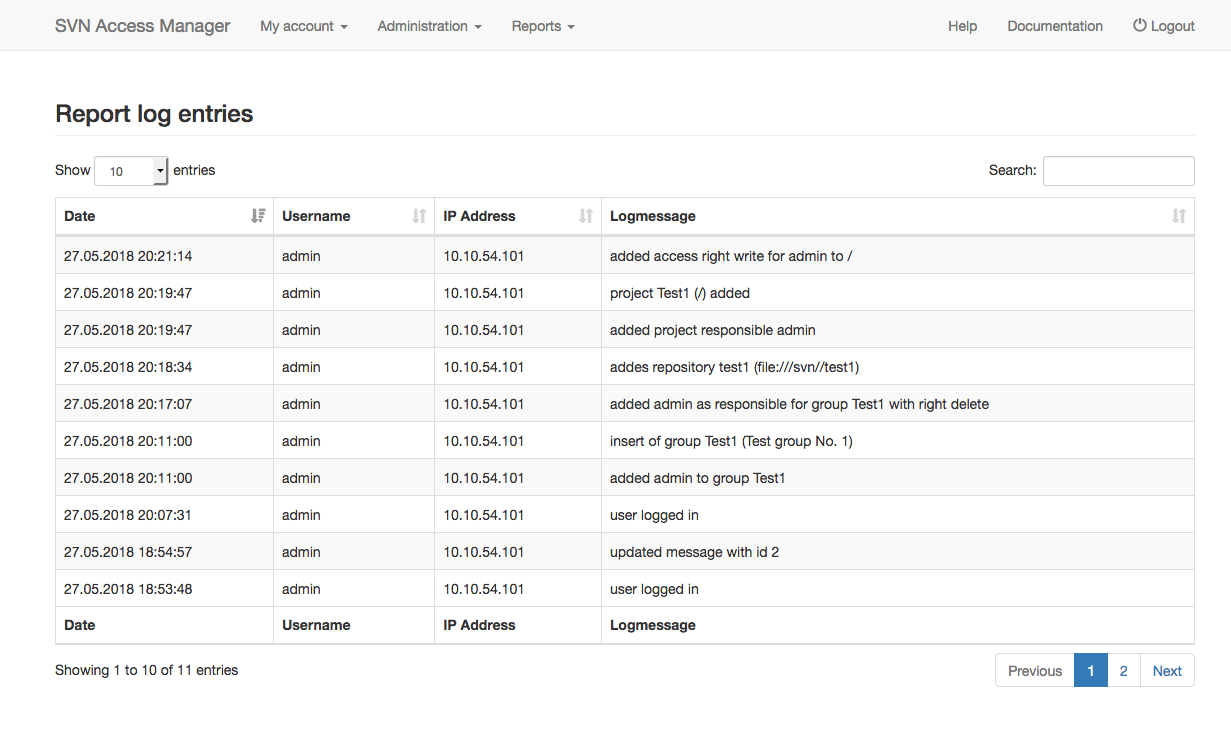
SVN Access Manager can write log messages to a database table — this must be enabled during installation. If logging was not enabled, this menu item does not appear.
Locked users
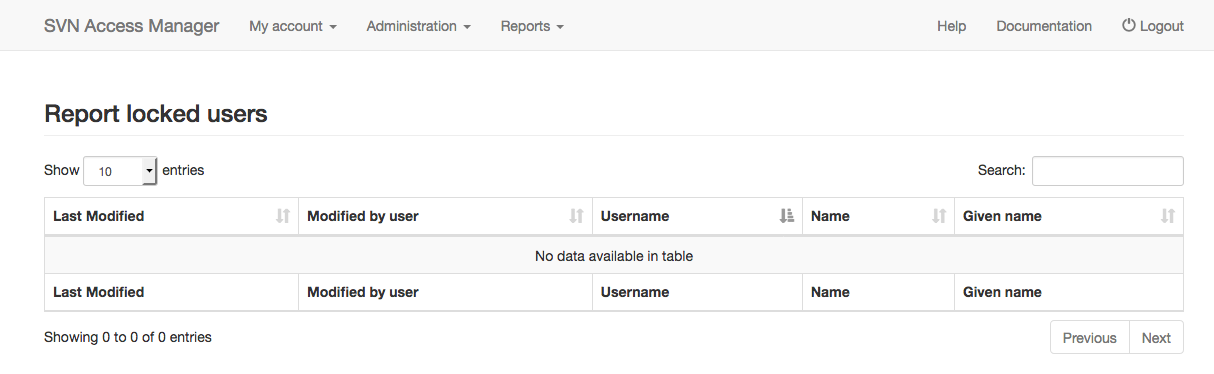
Users are locked automatically once their password expires. This report shows the currently locked users.
Granted user rights
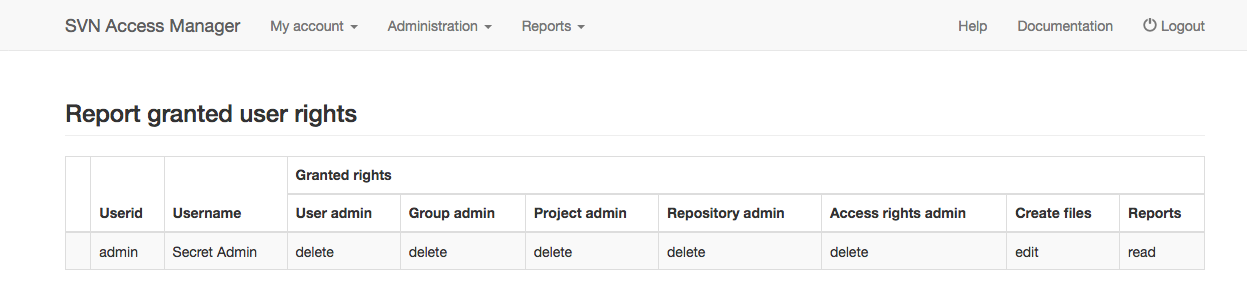
Each user can be granted administrative rights. This report shows the rights each user has within SVN Access Manager itself — repository access rights are not included; there is a separate report for that.
Show user report
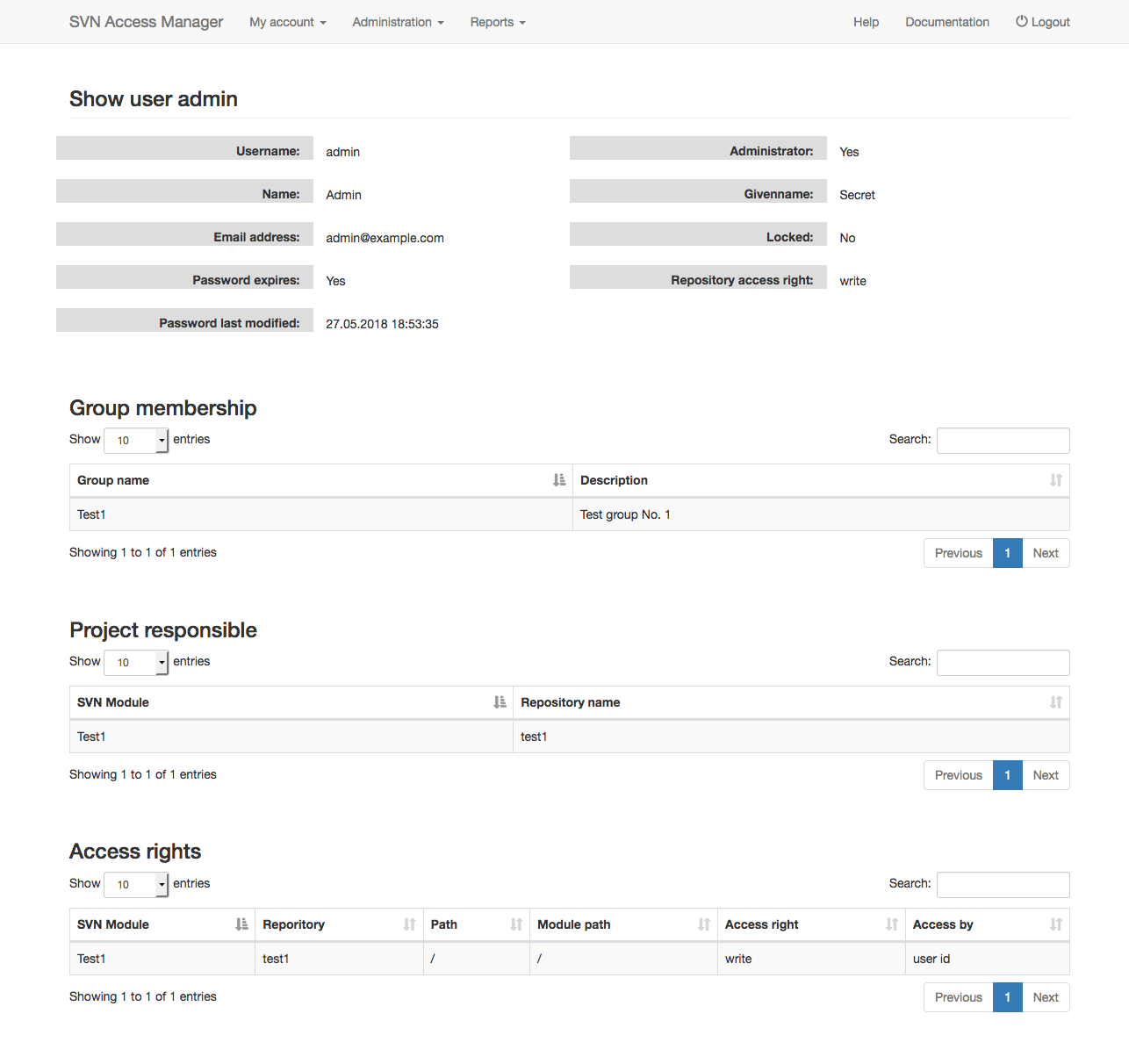
Gives an overview of which groups a user belongs to and which access rights they have, including rights gained through group membership.
Show group report
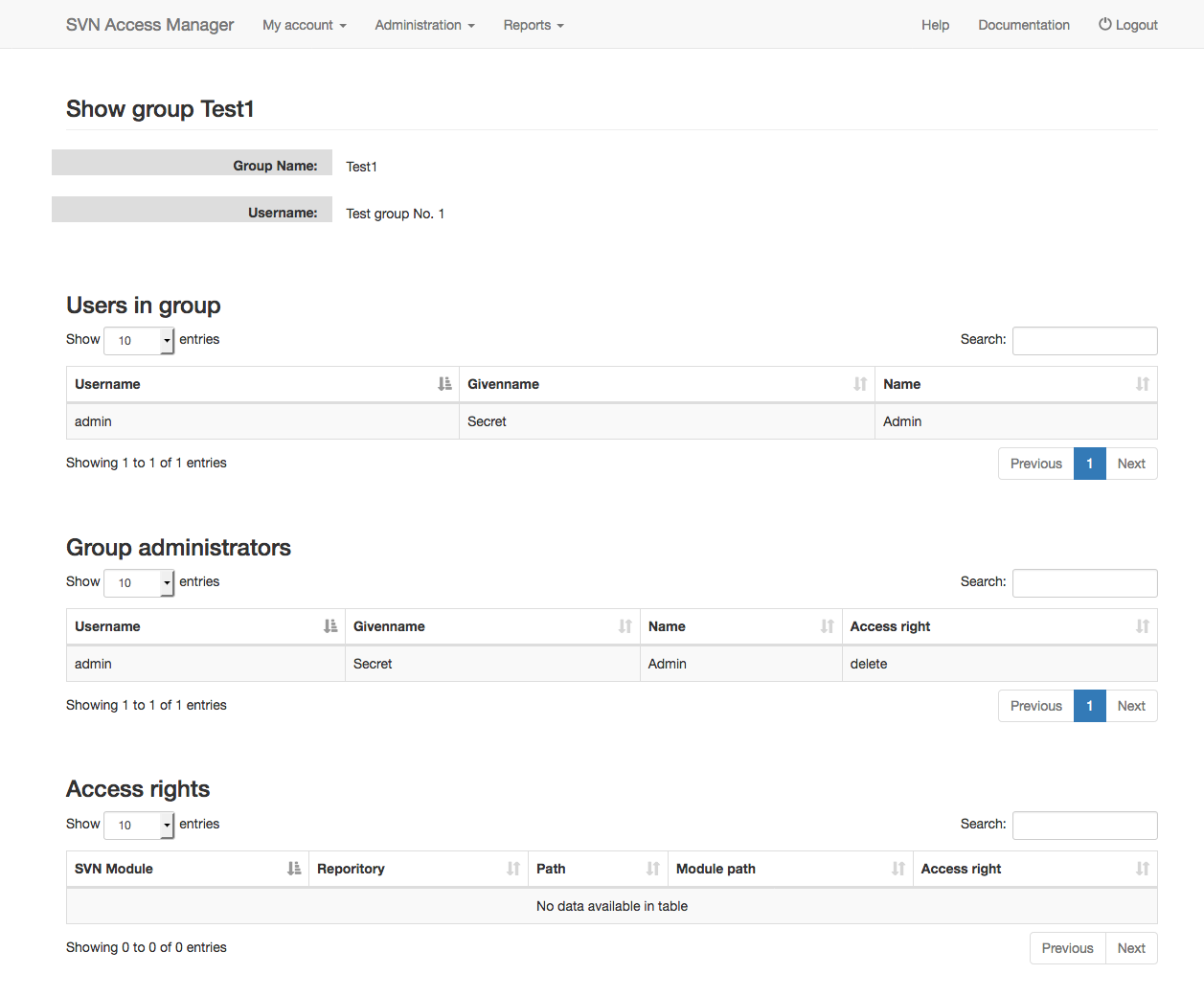
Gives an overview of the access rights a group has. Members are listed, as well as the group administrators.