To start using SVN Access Manager, open the following URL in your browser:
https://localhost/svnaccessmanager/If you installed with a different alias or domain, use those values instead.
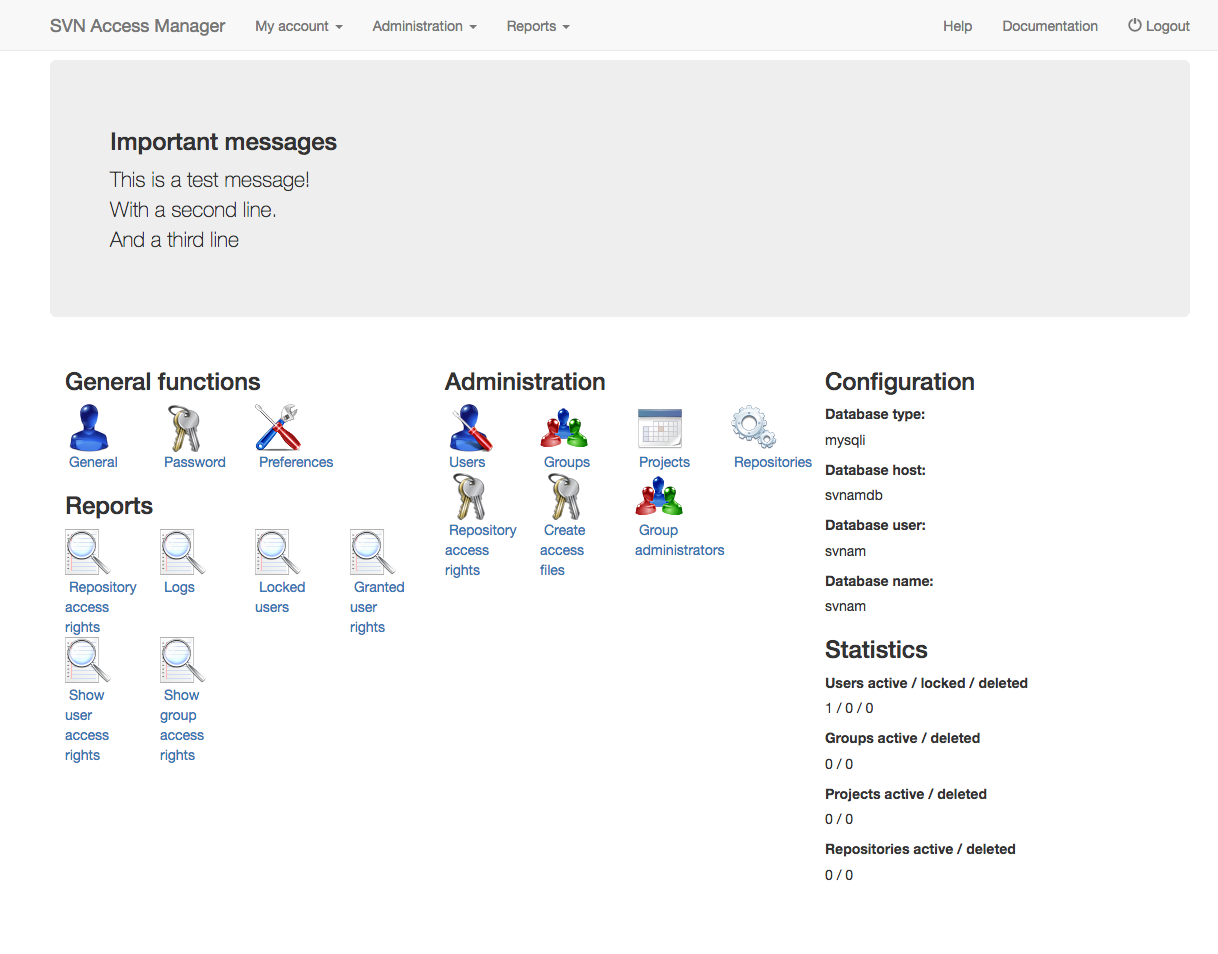
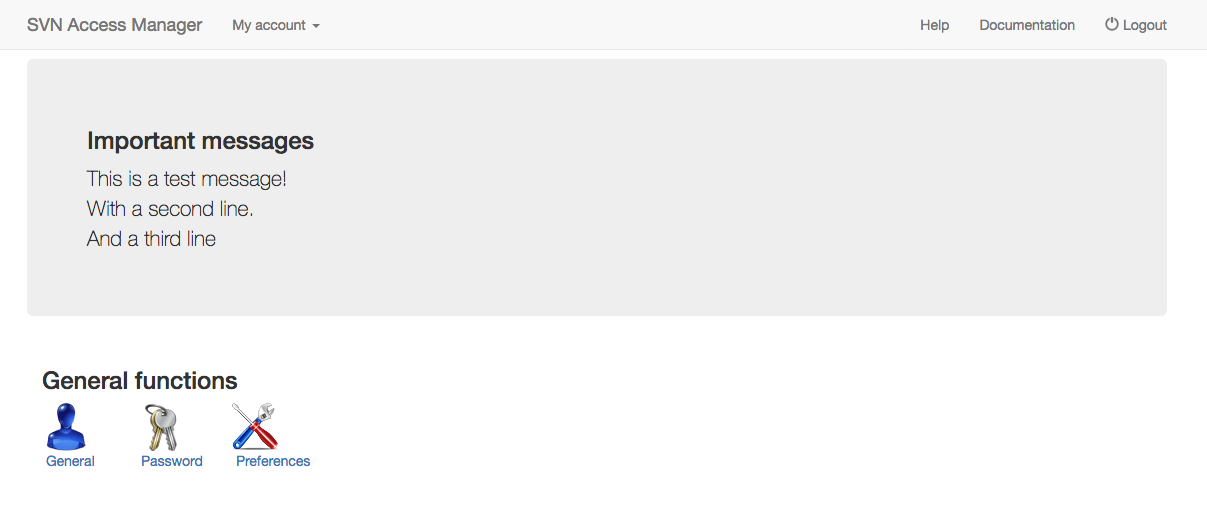
After logging in successfully you see the main menu of SVN Access Manager. The screenshot on the left shows the main menu an administrator with full access sees; which items you can see and access depends on the rights granted to you. On the right is the main page seen by a non-admin user.